
Step 1: Sign In to Your Odoo Account
Open your Odoo website login page and sign in to your account.
Step 2: Open the Website Editor
After signing in, select Website to open your website editor.
Step 3: Enter Editing Mode
Click Edit on the right side of the page to open the website editing tools.
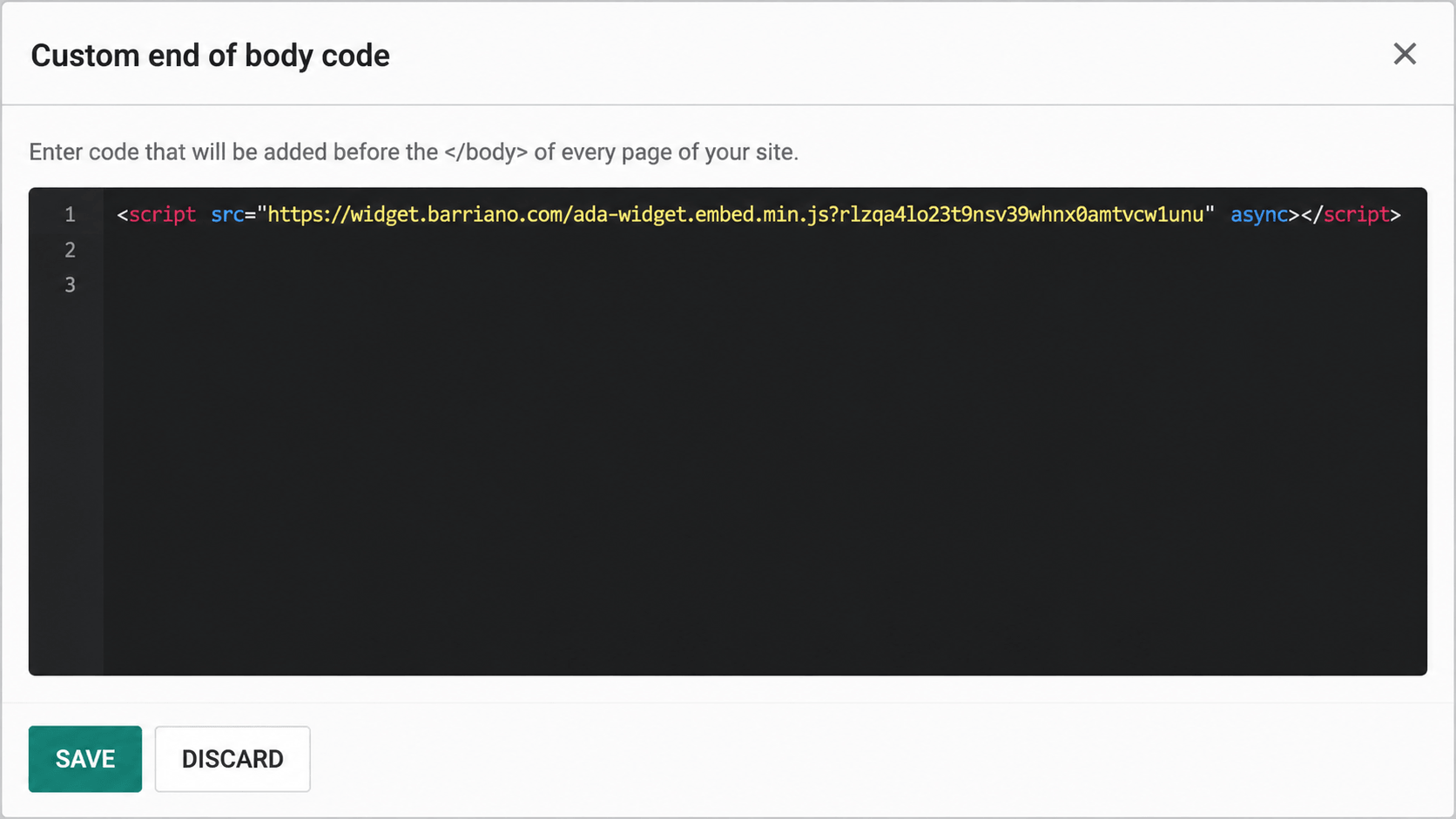
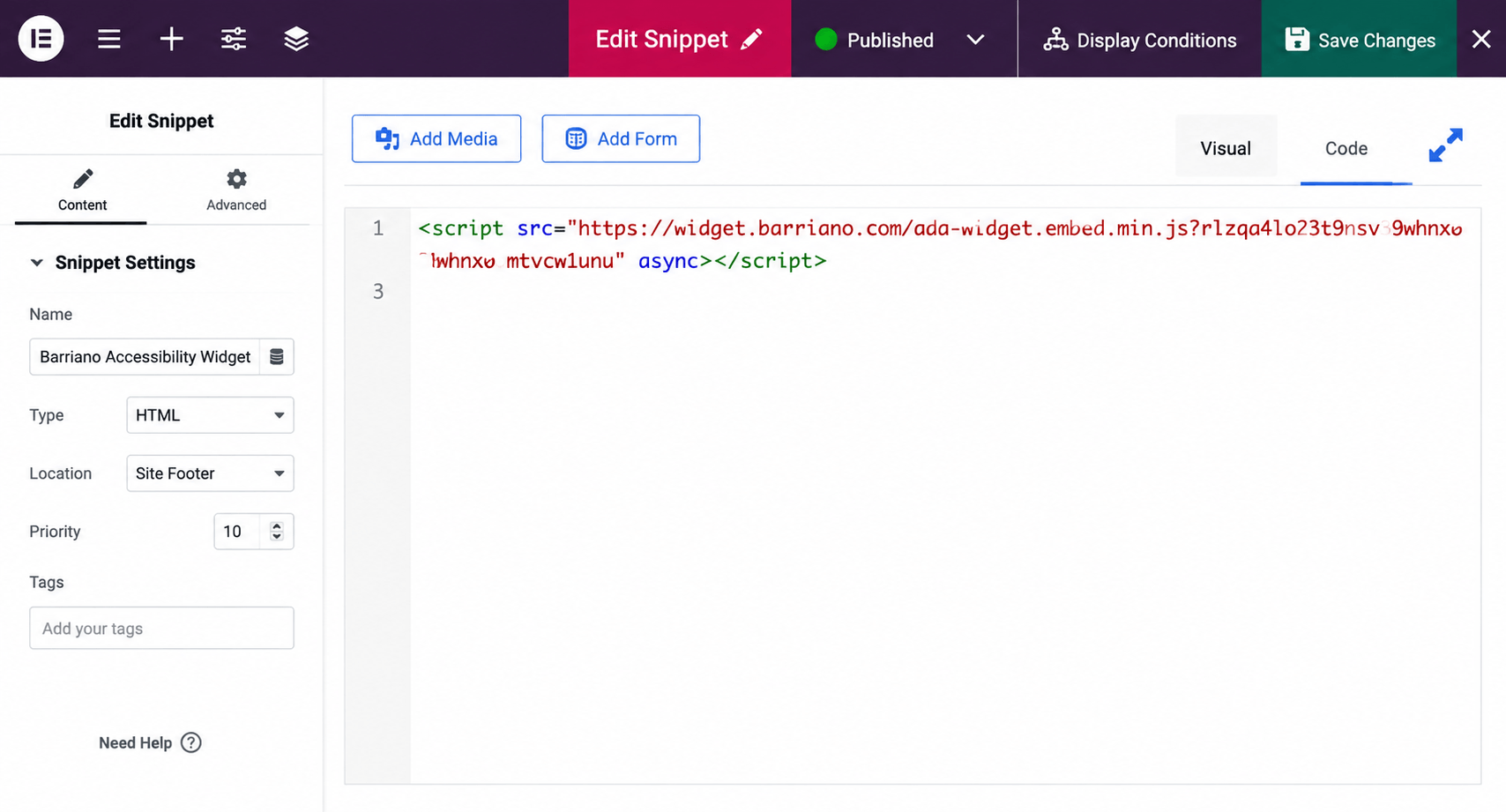
Step 4: Add the Barriano Widget Code
Open the Theme settings and scroll down until you find the closing tag.
Step 5: Save the Changes
Click Save to apply the changes.
Step 6: Preview the Website
Open your Odoo website and confirm that the Barriano Accessibility Widget is visible and working correctly.